Multi-model AI Video Prompt Generator

A multi-model AI video prompt generator for every clip you want to make

Choose your target platform, describe your idea, and let this AI video prompt generator build a structured, platform-optimized prompt in seconds. Supports Gemini Omni Flash, Seedance 2.0, Runway Gen-4.5, Kling 3.0, and Veo 3.1.

Free · In-browser · No sign-up · Three prompt variations every time

AD

How this AI video prompt generator works under the hood

Every AI video prompt generator is only as good as its model knowledge. Here is what makes OmniPrompt different.

This AI video prompt generator knows every model's dialect

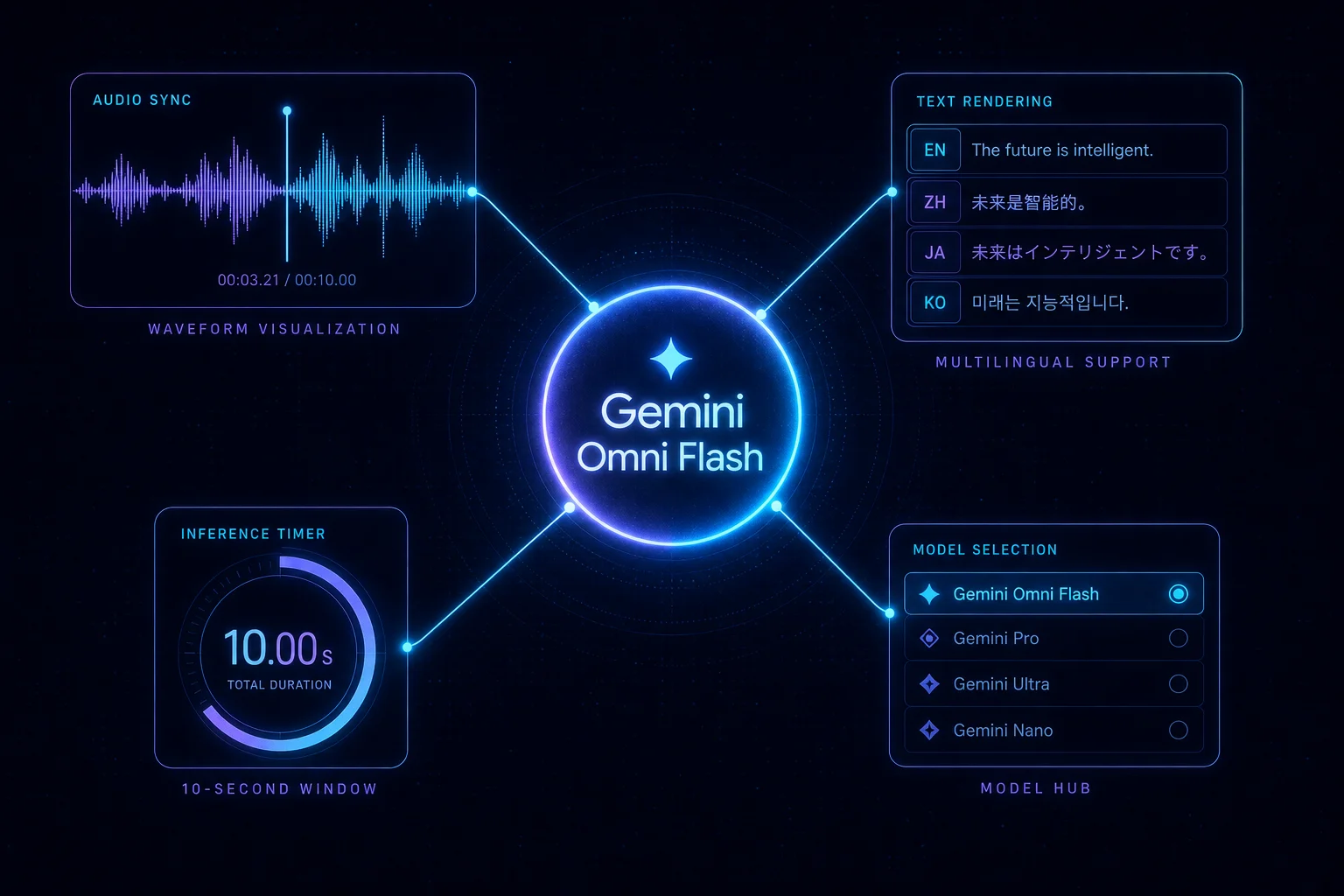
Gemini Omni Flash needs lip-sync audio cues and SynthID watermark framing. Seedance 2.0 rewards multi-shot continuity instructions and aspect-ratio hints. Runway Gen-4.5 needs an explicit camera-lock command. Kling 3.0 responds well to physics-accurate motion descriptions. This AI video prompt generator applies the right grammar for each platform — you just pick which one.

AI video prompt generator selecting a platform and generating a tailored prompt

Three AI video prompt variations, one generation

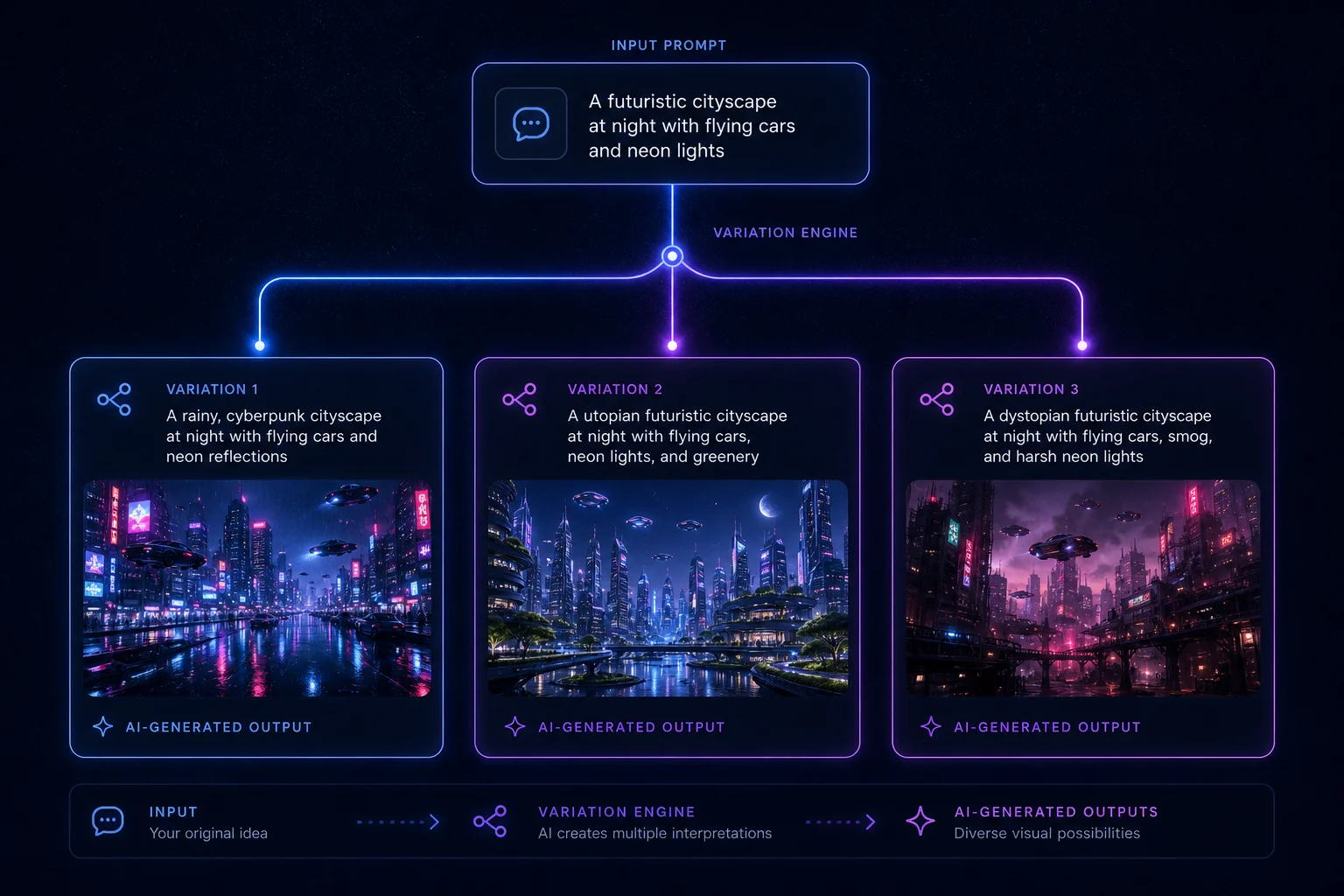
A single run of this AI video prompt generator returns three distinct variations — same parameters, different subject emphasis, camera motion phrasing, and style details. Test all three on your target platform and keep what works. No rewriting from scratch, no blank page, no prompt fatigue.

Three AI video prompt generator output variations shown for user selection

Use the AI video prompt generator in three steps

From parameters to paste-ready AI video prompt in under sixty seconds.

01

Step 1 — Choose your target platform

The AI video prompt generator needs to know your target platform first because each model has a different prompt grammar. Pick Gemini Omni Flash for audio-synced short clips, Seedance 2.0 for multi-shot continuity, Runway Gen-4.5 for precise camera control, or Kling 3.0 for 4K 60fps output.

  • Platform choice determines prompt structure
  • You can re-run on a different platform anytime
Open the generator above
02

Step 2 — Set scene, style, camera, and duration

The AI video prompt generator combines these four parameters to build the structural scaffold of your prompt. Scene type and visual style define what the video looks like. Camera movement defines how it feels. Duration (5s / 10s / 30s) sets the pacing expectation for the model.

  • Short descriptions work better than long ones
  • One scene per prompt — don't combine shots
03

Step 3 — Describe your subject and copy

Type what you want in plain English. The AI video prompt generator translates it into the five-part Subject / Action / Camera / Environment / Style format that AI video models actually understand. Pick one of the three output variations and copy it with one click — or jump directly to your chosen platform.

  • Be specific about subject appearance
  • For Gemini Omni Flash, include a dialogue line in quotes
Generate above

Features that make this AI video prompt generator different

Other AI video prompt generators give you a text box. This one gives you a structured workflow.

Platform-specific AI video prompt templates

Six dedicated prompt templates — Gemini Omni Flash, Seedance 2.0, Runway Gen-4.5, Kling 3.0, Veo 3.1, and generic. Each template applies that model's optimal prompt grammar.

Try the generator

One-click copy and platform jump

Copy your AI video prompt to clipboard with one click. Or jump directly to Gemini app, Google Flow, or Dreamina without leaving OmniPrompt.

Generate now

Three AI video prompt variations every time

Every generation returns three distinct prompt variations — different subject framing, camera language, and style emphasis — so you can A/B test without rewriting.

Generate variations

Shareable URL with your parameters

Your selected parameters sync to the URL query string. Share the full URL to give collaborators your exact AI video prompt setup.

Share a prompt

Six camera movement options

Static, push/pull, pan/tilt, follow, orbit, and multi-cut. The AI video prompt generator wires the correct camera instruction into your platform's expected format.

See camera options

Duration-aware prompt pacing

A 5-second clip needs a tighter scope than a 30-second clip. The AI video prompt generator adjusts subject complexity and scene density based on your duration selection.

Learn more

Who uses the AI video prompt generator

This AI video prompt generator fits any workflow that ends with an AI-generated video clip.

Product advertisers

Generate Gemini Omni Flash prompts with lip-sync dialogue and camera movement for 10-second product ads. No prompt-writing experience required.

E-commerce
Generate an ad prompt

Short-form content creators

Build 9:16 Seedance 2.0 prompts with multi-shot sequences or Gemini Omni Flash talking-head clips. Switch models without rewriting.

Social media
Build a short-form prompt

Filmmakers and cinematographers

Use Kling 3.0 or Runway Gen-4.5 templates in this AI video prompt generator to build cinematic prompts with precise camera locks and physics-accurate motion.

Cinematic
Try cinematic prompts

AI video beginners

This AI video prompt generator requires no background in prompt engineering. Type what you want — the generator handles the rest.

Beginner-friendly
Start with the basics

AI video prompt generator FAQ

Everything you need to know about using this AI video prompt generator effectively.

What is an AI video prompt generator?

An AI video prompt generator takes your high-level video idea — scene type, visual style, subject, camera movement, and duration — and outputs a structured text prompt that AI video models like Gemini Omni Flash or Seedance 2.0 can interpret accurately. Without a structured prompt, AI video models often produce vague or off-target results.

How long should an AI video prompt be?

Research across leading AI video models in 2026 shows the optimal length is 40–120 words, structured in 2–4 sentences. Shorter prompts miss important context; longer prompts introduce conflicting instructions. This AI video prompt generator targets that range automatically.

Does this AI video prompt generator work for Gemini Omni Flash?

Yes. When you select Gemini Omni Flash, the generator adds lip-sync audio cues, dialogue in quotation marks, sound environment descriptions, and a 10-second duration constraint — the elements that make Gemini Omni Flash produce synchronized audio-video output.

Does this AI video prompt generator work for Seedance 2.0?

Yes. When you select Seedance 2.0, the generator adds multi-shot continuity instructions, aspect-ratio hints (9:16 or 16:9), synchronized SFX and music cues, and a 15-second maximum duration — tailored to how Seedance 2.0 interprets structured prompts.

What happened to Sora?

OpenAI shut down Sora completely in April 2026. The web app and API are no longer available. We removed Sora from this AI video prompt generator because generating prompts for an unavailable model is not useful. Gemini Omni Flash and Seedance 2.0 are the best current alternatives.

Can I use the same prompt on multiple platforms?

You can, but results will be significantly better if you use a platform-specific prompt. This AI video prompt generator exists precisely to make per-platform prompt adaptation fast — just re-run with a different platform selected and compare the output.

Is this AI video prompt generator free?

Yes. The generator runs entirely in your browser. There are no accounts, no API keys, and no backend calls. The prompt logic is all client-side JavaScript.

Try the AI video prompt generator now

Write your first structured AI video prompt in under sixty seconds.

Free, browser-based, and ready for every major model.

No account. No API key. No install.